Start Here

New to WordPress? Read this page first.

☼ WordPress runs about 40% of the web.

That means there is an enormous amount already written about it — but most of it assumes you already know things you don’t. This website hopes to correct that.

This page is a map.

Here you will see all the topics available for you to learn, and in what order, plus what you can safely ignore for now. Work through it from top to bottom and you’ll go from “I have an idea for a website” to a “here’s the URL of my new web store.”

Nothing here costs money, and nothing assumes you can code.

☼ How this site works.

Two things make finding what you need easy here.

Every article has a difficulty level.

You will see a colored badge next to each one. You will see a colored badge on each one:

green iconBeginner — You’ve never touched WordPress, or you just installed it. No code; everything happens in the WordPress dashboard.
yellow iconIntermediate — You’re comfortable in the WordPress dashboard, and you have moved beyond basic settings to fine-tuning and optimizing your website. Lessons here involve using plugins and may include some light use of code or CSS.
red iconAdvanced — You’re still not a code monkey, but the topics are more advanced. Custo code, SSH, server settings, edits to wp-config.php. Always back up your site before trying any lessons with the red icon.

If a page is marked Advanced and you’re not ready, that’s not a failure — it means come back later. Most people never need the red ones.

Every article is about one of nine topics.

  • Getting Started
  • Themes & Design
  • Content & Publishing
  • Plugins & Tools
  • SEO & Traffic
  • Speed & Performance
  • Security & Maintenance
  • Troubleshooting & Errors
  • Ecommerce & Monetization

And one promise about the tutorials: every step gets performed on a real WordPress site before it’s published here. The screenshots are real screenshots. If a step doesn’t work, it’s because WordPress changed since we tested — tell us and we’ll fix it.

Instructor Image

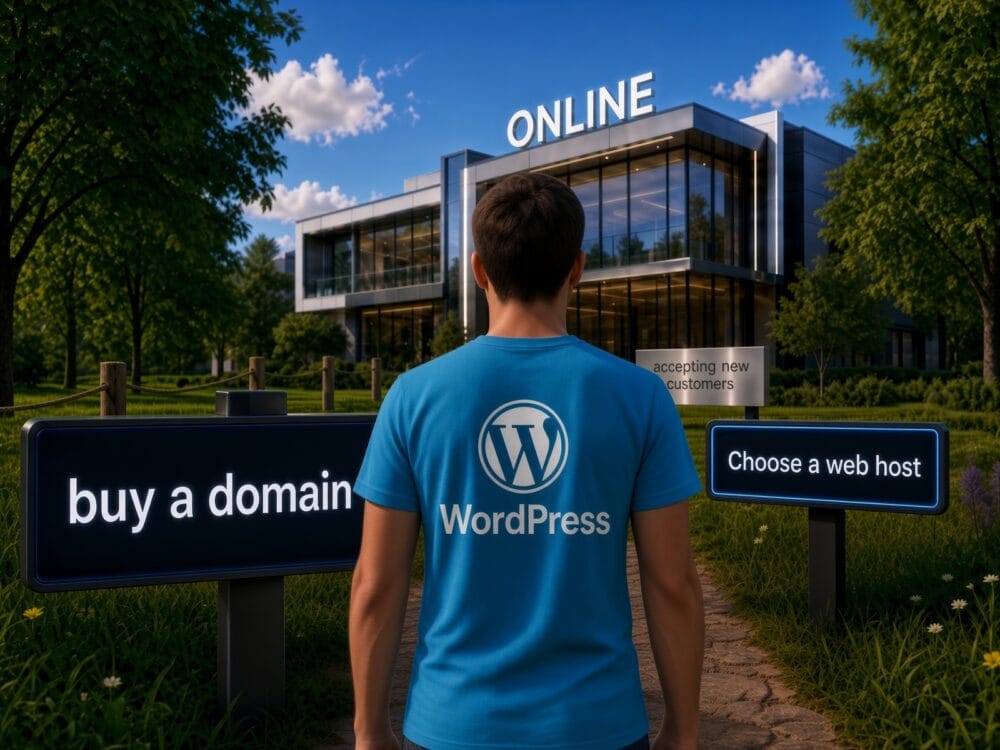
Before you build: make these two decisions

What decisions are those, you ask? First, who will be your web host? Second, What will your website’s domain name be?

Instructor Image

Which WordPress is the “real” WordPress?

WordPress.org vs. WordPress.com? We explain the difference between the two, and why it’s one of the most important things you need to understand from the get-go

Join Our Community​

Enter your email address to get our newsletter delivered on regular basis!

Subscription Form