Troubleshooting & Errors

WordPress upload file size limit

How to increase the WordPress upload file size limit

Some of the settings for your WordPress website are harder to find than others, which is the case with the ones that govern the maximum size of a file you can upload to your site. The file size limit is determined by your web hosting server’s PHP configuration settings, which WordPress reports on but doesn’t control.
By the end of this you’ll know exactly which setting is stopping you, how to raise it on your host, and โ€” the part that saves the most time โ€” how to tell when the limit isn’t WordPress’s to raise at all.

How to increase the WordPress upload file size limit Read More ยป

setting up SMTP email on a website

Are your site’s emails unreliable? Switch to SMTP email on your WordPress website (using FluentSMTP and Brevo)

Are your website’s emails unreliable? Are transactional emails sometimes received, sometimes not, and other times only make it to the recipient’s spam folder? All these outcomes are possible with the way WordPress sends email natively. However, regular consistent email deliverability can be achieved if you switch to SMTP email on your WordPress website.

Are your site’s emails unreliable? Switch to SMTP email on your WordPress website (using FluentSMTP and Brevo) Read More ยป

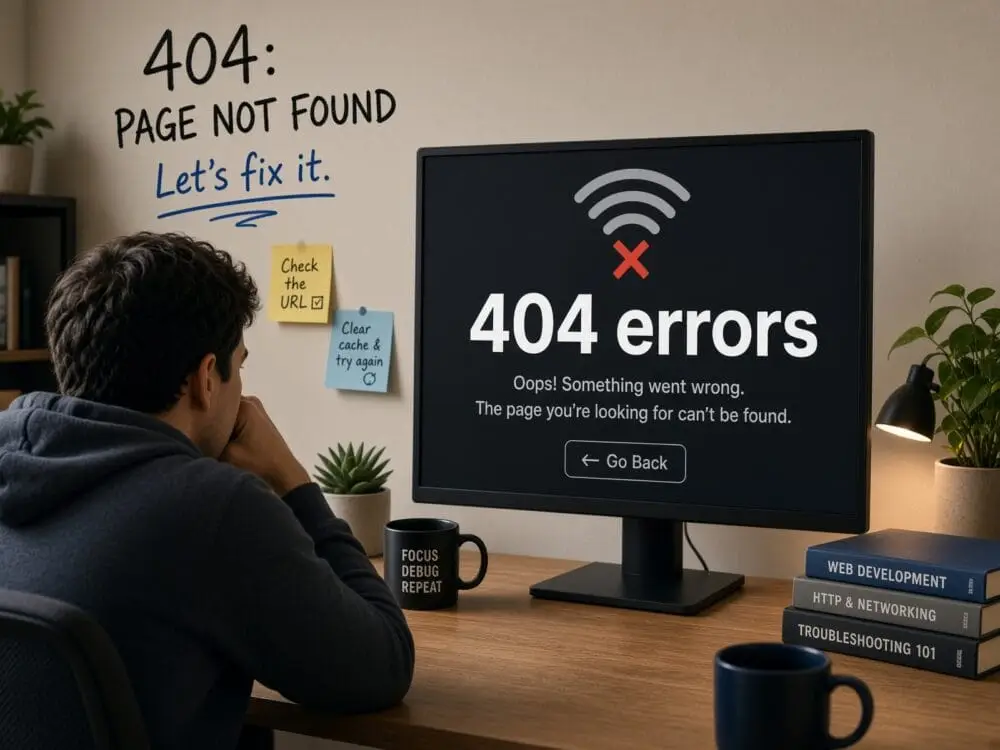
404 errors

404 errors on your site? How to fix problems with WordPress’ rewrite rules

Symptom: The homepage of your website loads perfectly, but every other page you’ve created — every blog post and individual page โ€” produces a “Page not found” message (technically called a 404 not found error message, the most famous of all the error messages produced by a web browser).

404 errors on your site? How to fix problems with WordPress’ rewrite rules Read More ยป

working under the hood

How to manually install WordPress when one-click fails

Installing software on your computer or an app on your phone is a pretty simple process. You run a file or click a button on your screen and then a couple of minutes later your device possesses a new skill. WordPress has a “one-click” installation process that’s supposed to be just as simple and easy, but what happens if it fails? In that case, a manual installation of the platform may be necessary. Don’t worry, it’s not as complicated as you think it’s going to be, and for a website owner it is a great foundational skill to possess.

How to manually install WordPress when one-click fails Read More ยป